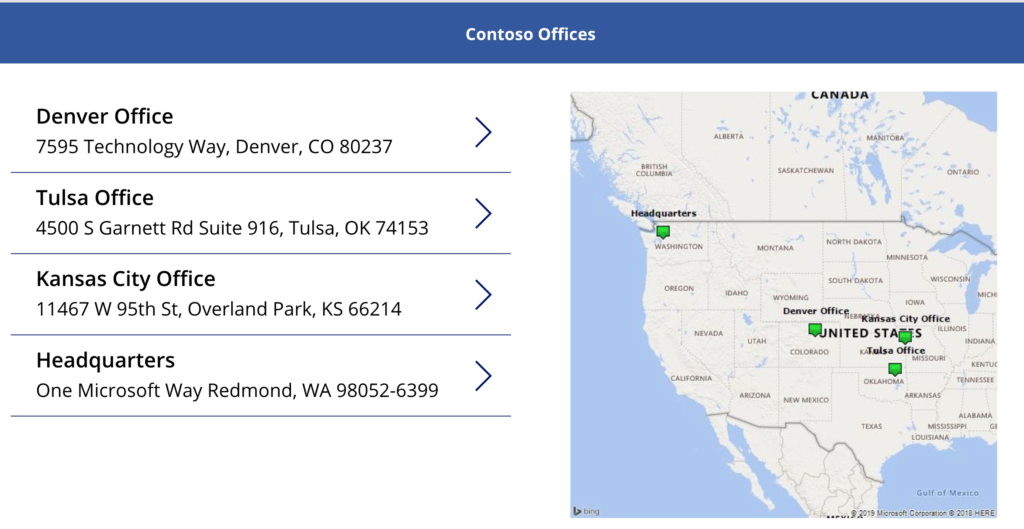
Plotting Multiple Map Points in PowerApps
In this blog, I’m going to show you how to plot multiple points on a map in PowerApps using Bing Maps. I’ll be using a SharePoint list as my data […]
In this blog, I’m going to show you how to plot multiple points on a map in PowerApps using Bing Maps. I’ll be using a SharePoint list as my data […]
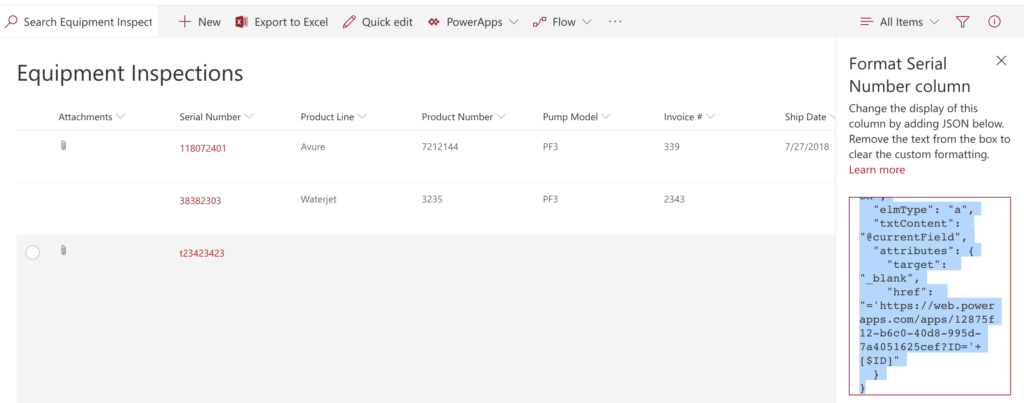
**Important Update** New functionality was added to PowerApps to allow guest access to apps via Azure AD. To accommodate for this, PowerApps now appends your Tenant ID to the URL

I recently had the opportunity to present with Microsoft at a local Maker Faire event in my home town. Maker Faire is an annual event that celebrates arts, crafts,

Have you ever thought, wouldn’t it be great if there was an app that could do X (insert your idea here)? Or maybe, I really love this one app but

Good Morning PowerApps and Flow Fans! With the 1st Annual Microsoft Business Application Summit Keynote wrapping up, it’s time for another installment of April’s Favorite Things: The Microsoft Business
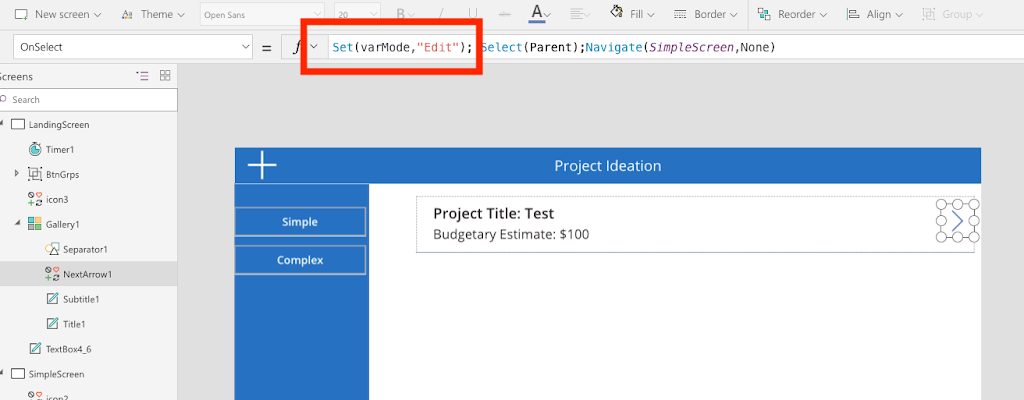
Today I want to talk about something extremely simple but I find is either not known or overlooked. In PowerApps, you use Form Controls to enter and edit data.
PowerApps makes building robust applications and forms fairly simple. Yet, with any software there’s always a learning curve. As a PowerApps consultant and trainer, the most frequently misunderstood thing
The SharePoint Conference kicked off today in Las Vegas. I was eagerly awaiting the keynote to see what Jeff Teper and crew were going to announce. There were so many
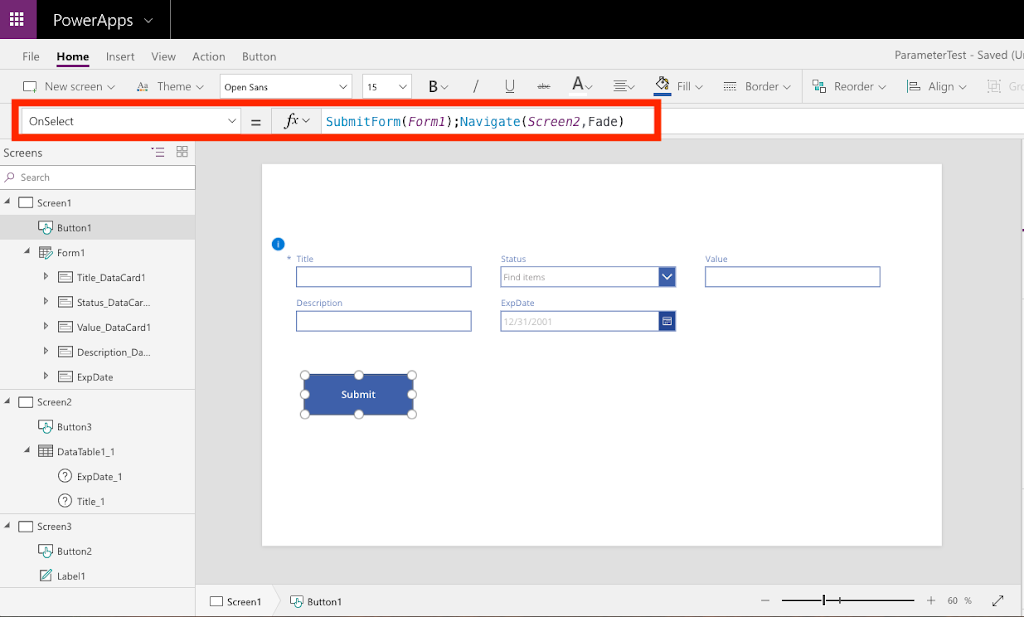
I discovered a bug in PowerApps yesterday that I wanted to share so I could spare everyone else from the headache that it caused me. Scenario: I created a Blank
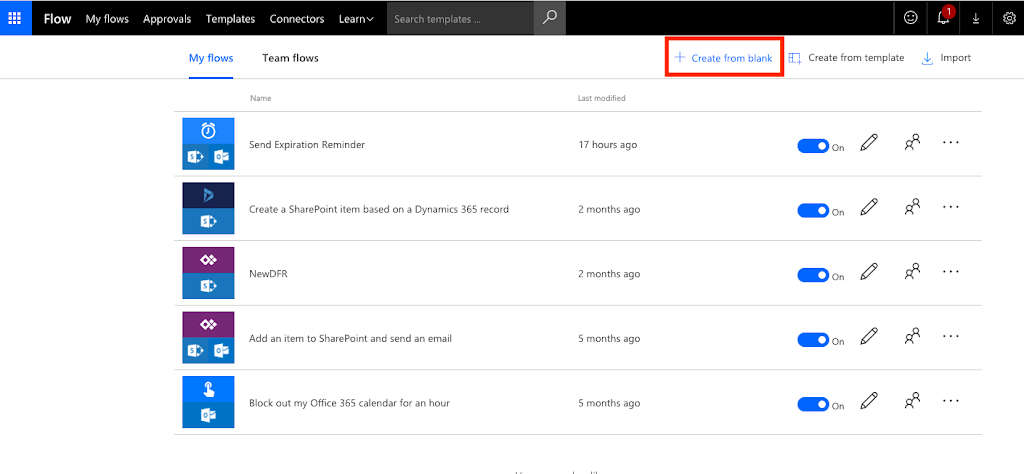
This is part one of a two-part post. In this post, I will show you how to use Microsoft Flow within O365 to send reminder emails based on a date