On-demand training
Courses built for real work.
Practical, focused training on Microsoft 365 Copilot, AI agents, Power Automate, and SharePoint—designed to help you understand the technology and actually use it.
Featured course
Start with my newest course
Learn how agents fit into Microsoft 365 Copilot, then build your own without writing code.
 Newest course
Pluralsight
No-code Agents in Microsoft 365
Microsoft 365 Copilot is more than one AI assistant. In this course, you’ll see built-in and third-party agents in action, learn where agents appear across Microsoft 365, and create custom agents with Agent Builder and Copilot Studio.
- Understand the role of agents in Microsoft 365 Copilot
- Build, configure, test, and deploy a no-code agent
- Know when Agent Builder is enough—and when to use Copilot Studio
More training
LinkedIn Learning courses
Focused courses for modernizing SharePoint and moving legacy workflows to Power Automate.
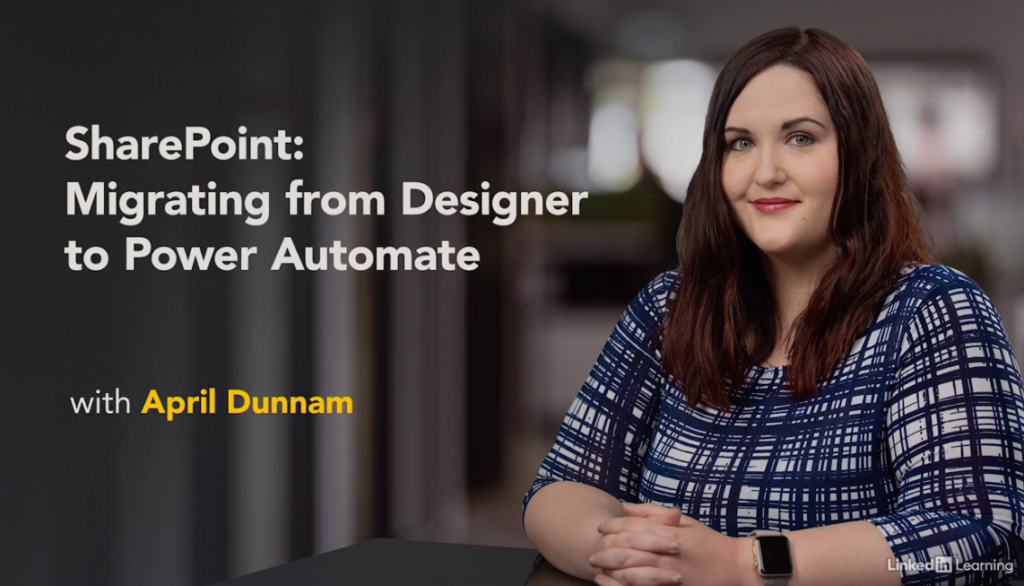
LinkedIn Learning
SharePoint: Migrating from Designer to Power Automate
Learn how to translate SharePoint Designer workflow patterns into Power Automate, including triggers, approvals, recurring workflows, REST calls, error handling, permissions, and sharing.
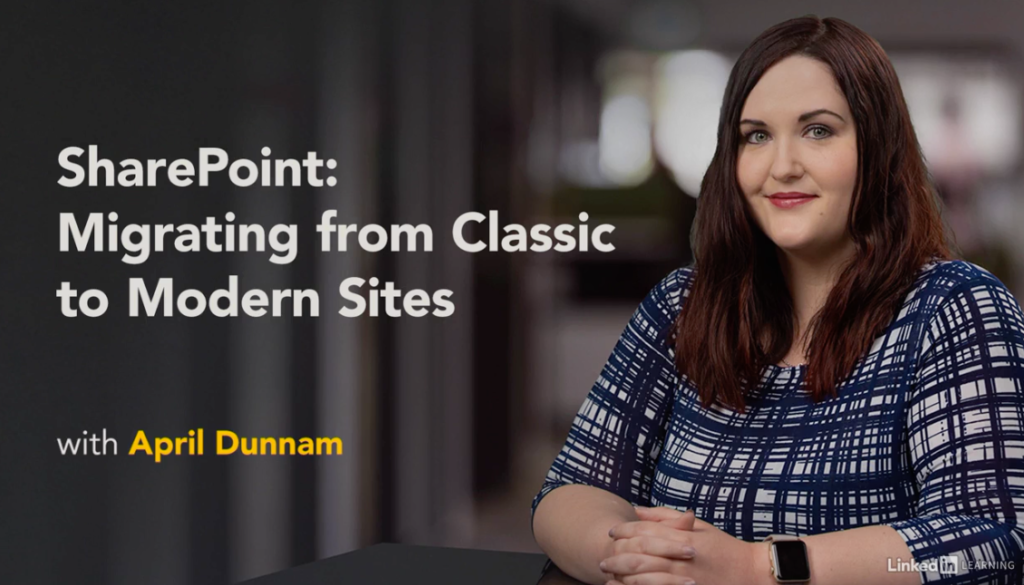
LinkedIn Learning
SharePoint: Migrating from Classic to Modern Sites
Explore the differences between classic and modern SharePoint, including pages, web parts, permissions, search, themes, hub sites, list forms, and the migration process.
Looking for free training?
Keep learning without another subscription.
Explore practical video tutorials on my YouTube channel or work through the free, hands-on missions in Agent Academy.