Principal Cloud Advocate · Microsoft
Making Microsoft AI
make sense.
I’ve spent 10+ years building on SharePoint, M365, and the Power Platform. Now, I help people navigate where all of it is heading: AI agents, Copilot, and what actually works when you have to ship in the real world.

views
subscribers
Microsoft stack
talks delivered
The Book
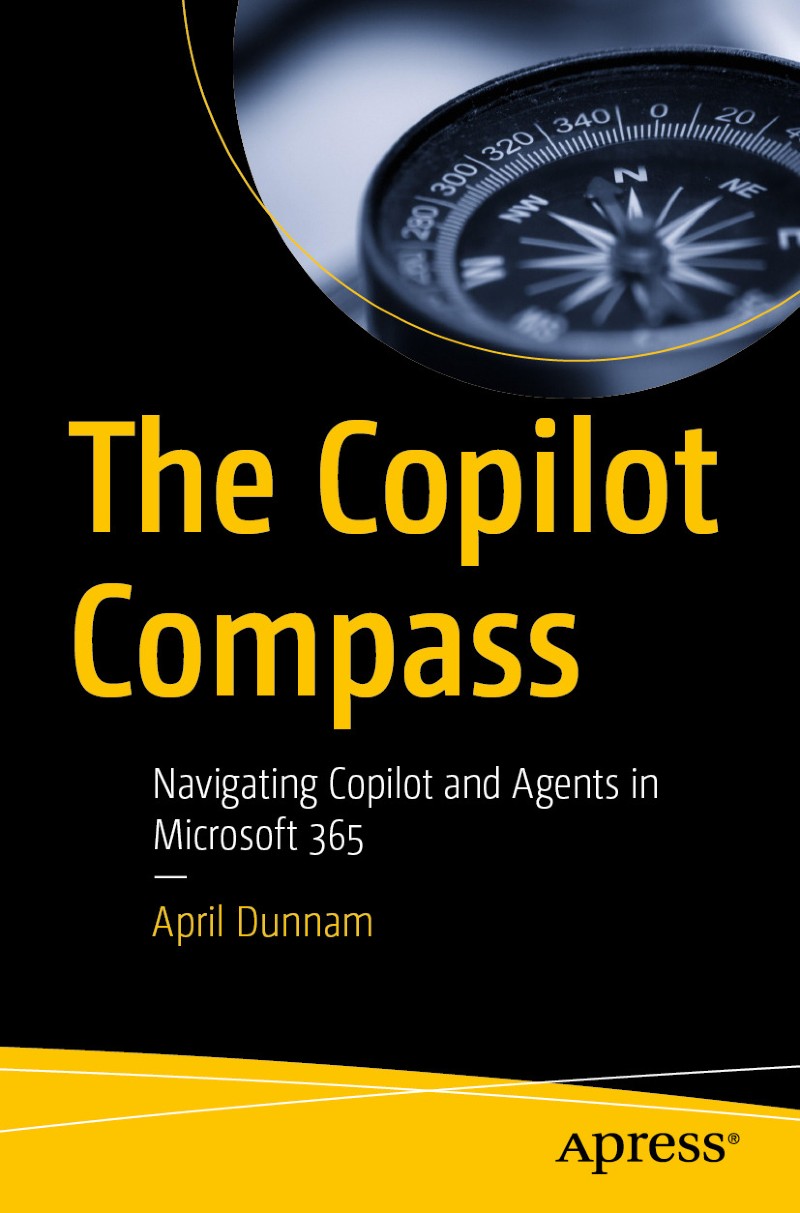
The Copilot Compass
Published by Apress · 2026
Your practical guide to navigating AI agents and Copilot in Microsoft 365. No hype, just an honest framework for what these tools actually do, when to use them, and how to build with them responsibly. Written for business users, IT professionals, and anyone who has to make real decisions about AI at work.
Free Training
Agent Academy: Learn to build AI agents
I co-built Agent Academy to give everyone access to practical, hands-on AI agent training using Microsoft Copilot Studio and the Power Platform. It’s free, open source, and structured to take you from zero to shipping real agents. No fluff, no paywalls, just the curriculum I wish existed when I started.
Start Learning Free →YouTube
Latest Videos
Browse All Videos →
Speaking
Where I’m Speaking Next
Expertise
What I cover
The full Microsoft ecosystem — with a focus on where it’s all heading
Want me to speak at your event?
Keynotes, workshops, and enterprise training — tailored for your audience.