How to get started with Power Apps
The most common question that I’m asked is “I’m new to Power Apps, how do I get started?” Learning any new technology can be overwhelming. In this video I list […]
The most common question that I’m asked is “I’m new to Power Apps, how do I get started?” Learning any new technology can be overwhelming. In this video I list […]
Do you need to get the value of a timer control to use in your Power Apps? Perhaps you want to keep track of how long it’s taking your users
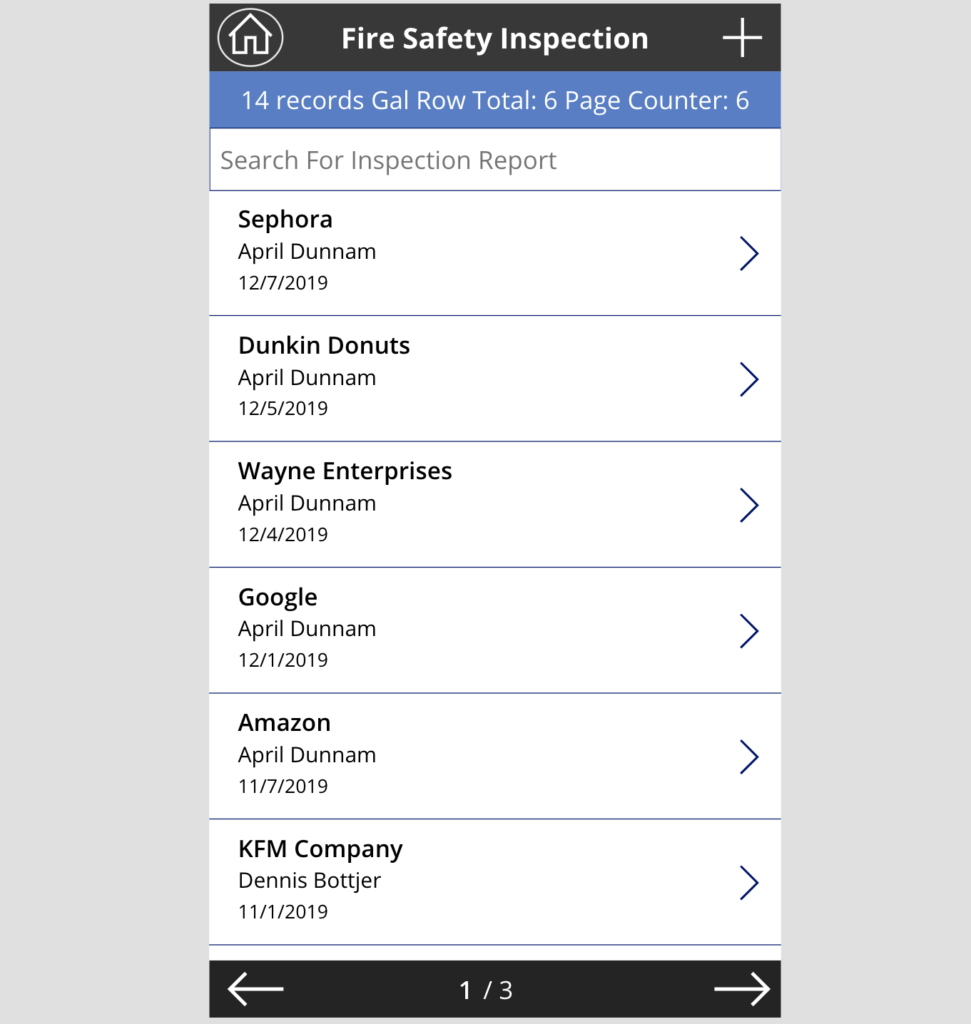
Do you have a lot of data that you want to surface up in a gallery inside Power Apps? I’ll show you a trick to take that data and put
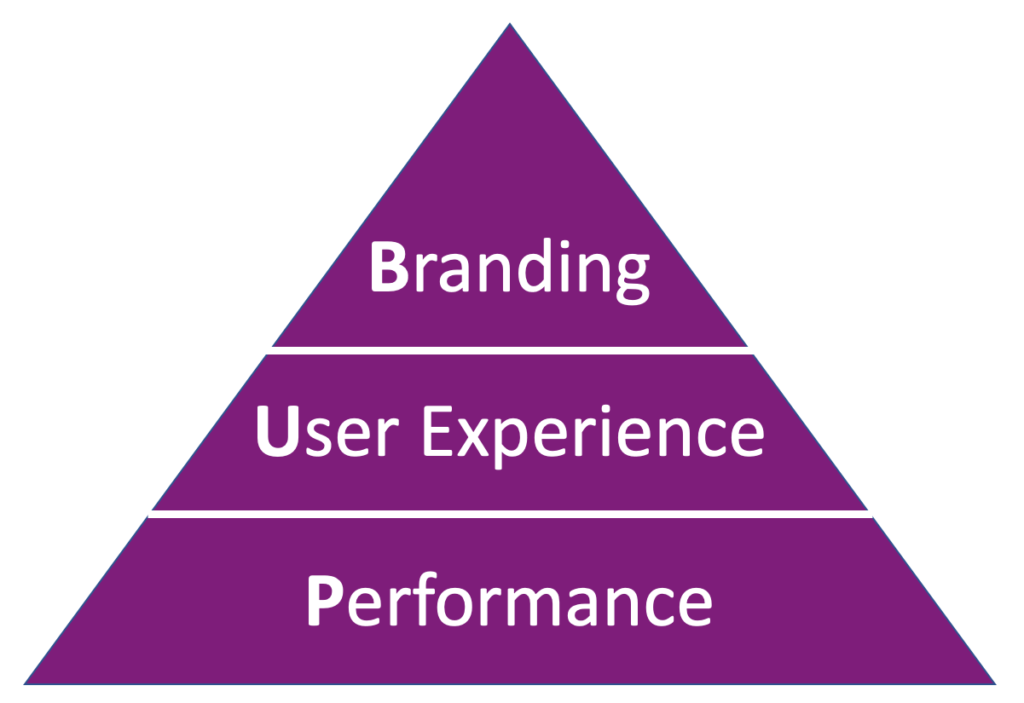
Since its release roughly 3 years ago, the usage of PowerApps has steadily increased. PowerApps makes it easier than ever for Citizen Developers to create mobile applications with less code
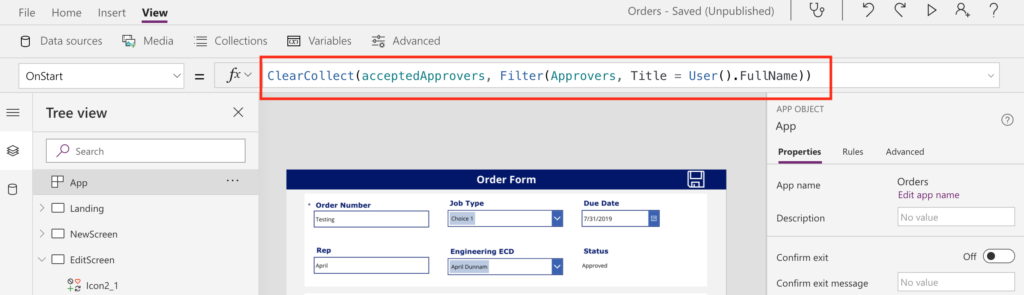
A common requirement when building out forms/applications in PowerApps is to apply security trimming to elements in your app. Take this scenario for example: You have a form which requires
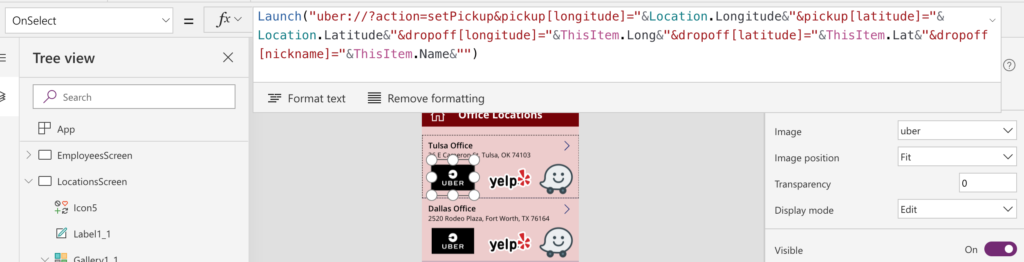
If you’ve built a few PowerApps then chances are you’re familiar with the Launch() function. You can use the Launch function to open up another website by passing in the
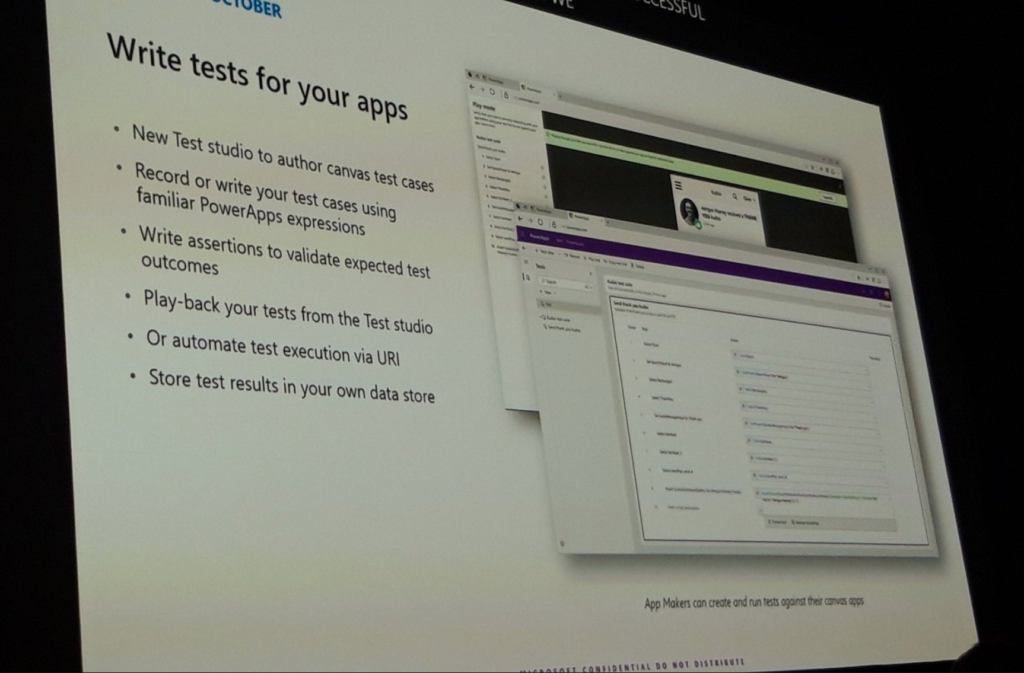
The Microsoft Business Applications conference kicked off this week with an action packed keynote. I’m going to break down and highlight what I feel are the top Power Platform related
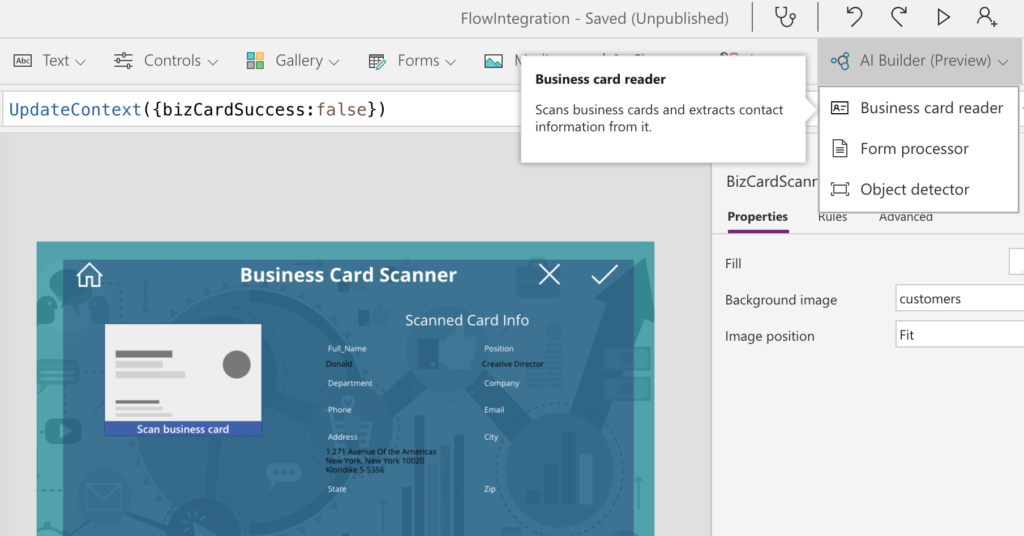
They say that change is the only constant. When it comes to PowerApps, it seems like new features are added at lightning speed. Today I’m going to talk about two
In one of my previous posts, I walked through how you could use SharePoint Column Formatting to launch a stand-alone PowerApp: https://aprildunnam.com/2019/03/open-powerapp-sharepoint-formatting/ I had several people ask “What happens if
A common requirement I see in PowerApps is the need to restrict the dates that a user can select in a Date Picker. For example, when setting a due date