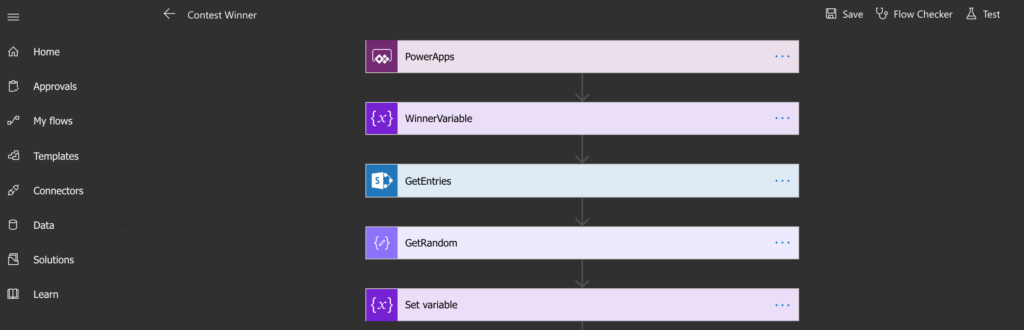
Microsoft Flow Dark Mode
Are there any other Dark Mode fans out there? I for one, am on the Dark Mode band wagon. I have it enabled in Visual Studio, Chrome and as soon […]
Are there any other Dark Mode fans out there? I for one, am on the Dark Mode band wagon. I have it enabled in Visual Studio, Chrome and as soon […]
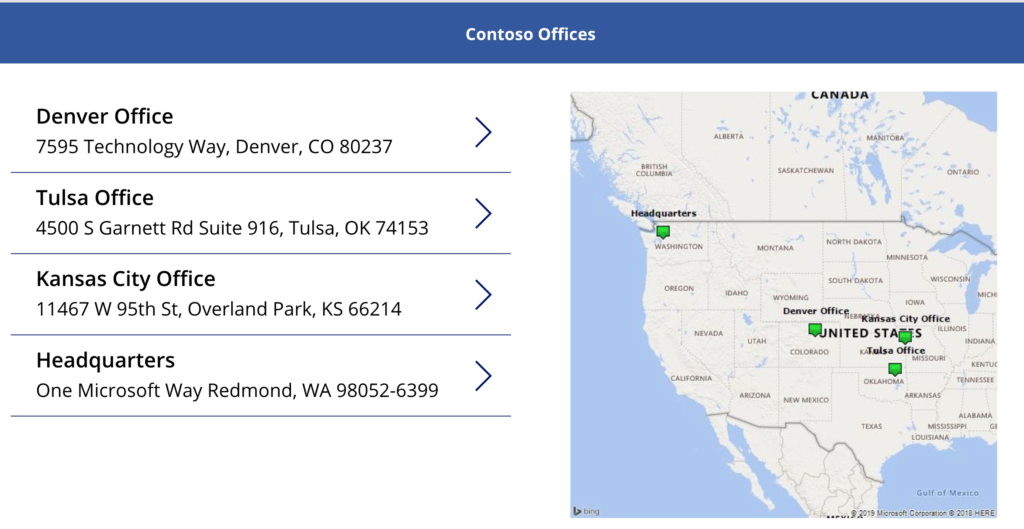
In this blog, I’m going to show you how to plot multiple points on a map in PowerApps using Bing Maps. I’ll be using a SharePoint list as my data
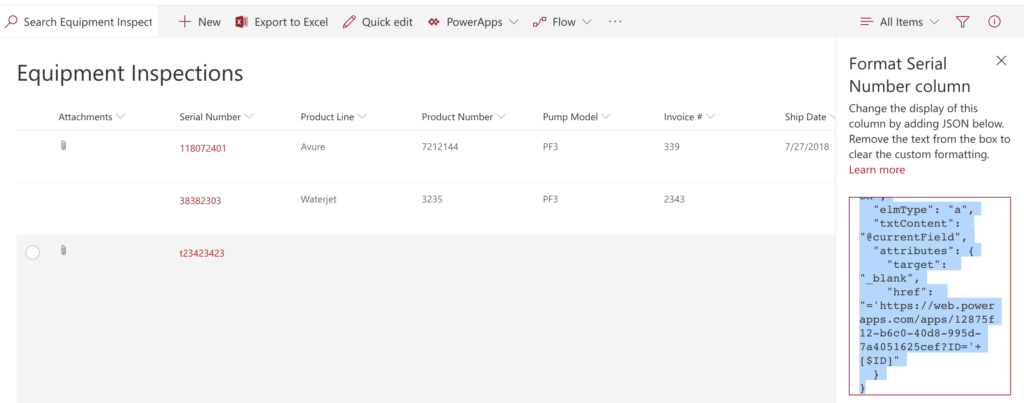
**Important Update** New functionality was added to PowerApps to allow guest access to apps via Azure AD. To accommodate for this, PowerApps now appends your Tenant ID to the URL
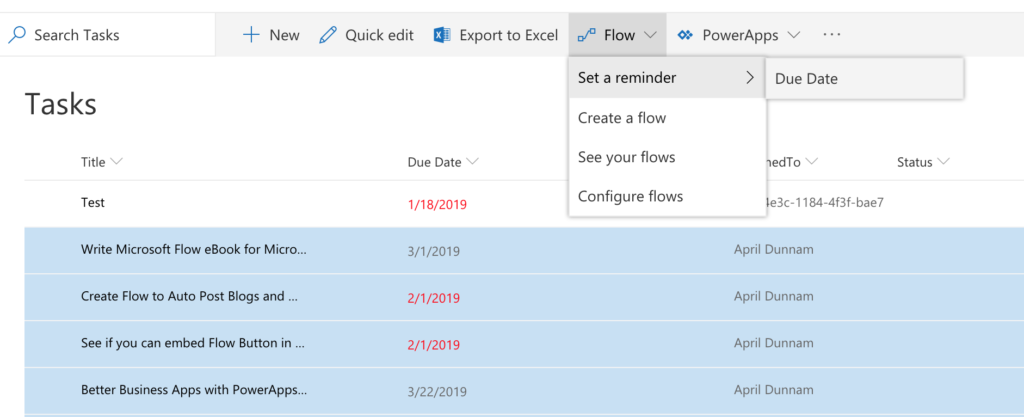
There’s a new Flow on the block that’s all about helping you send reminders based on a date in your SharePoint lists. Some useful scenarios for this type of Flow include:
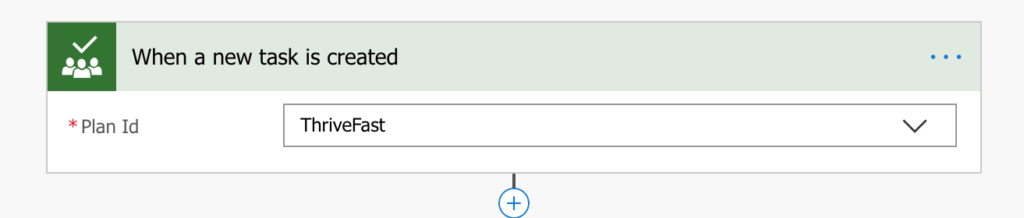
Microsoft Planner is one of the Office 365 Tools that I use pretty heavily. It’s a great lightweight project management tool that helps me organize and see my tasks in
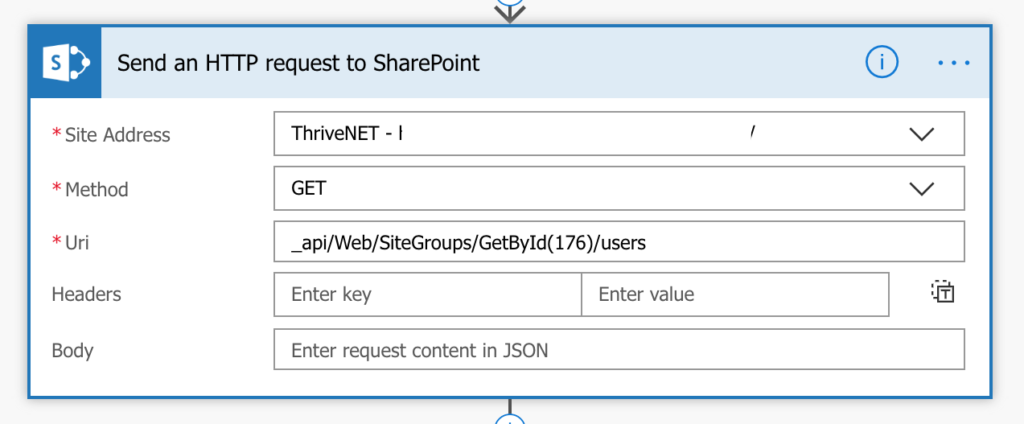
I worked on a project recently where the customer wanted to send an email via Flow to all the members of a given SharePoint Security Group. Normally I would recommend

We all know Microsoft Flow is a beast of a tool for business process automation. One of the few things it can’t do natively is integration with smart home devices
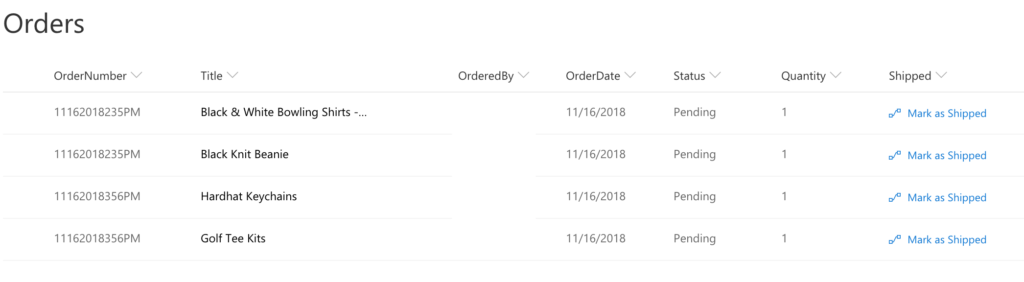
Background I just wrapped up a project where I created a company store application using a combination of SharePoint (for the back-end lists), PowerApps (for the front end interface) and
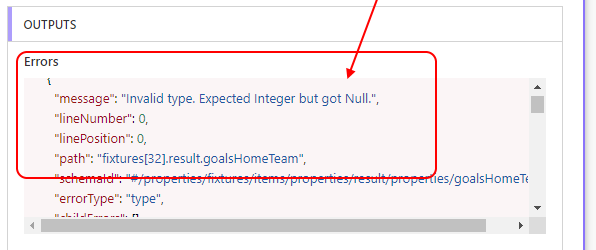
One of my favorite actions in Flow is the ability to call an HTTP web service, parse the JSON and do whatever you want with the data. The problem is,
It seems like every day I hear about yet another data breach. I decided it was time to do take every precaution I can to protect my Office 365 account,