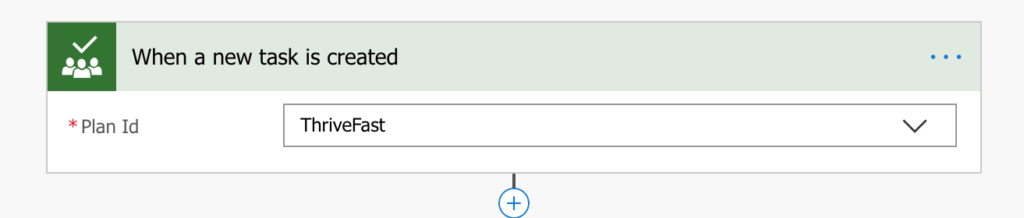
Aggregating Planner Tasks to SharePoint Using Flow
Microsoft Planner is one of the Office 365 Tools that I use pretty heavily. It’s a great lightweight project management tool that helps me organize and see my tasks in […]
Microsoft Planner is one of the Office 365 Tools that I use pretty heavily. It’s a great lightweight project management tool that helps me organize and see my tasks in […]
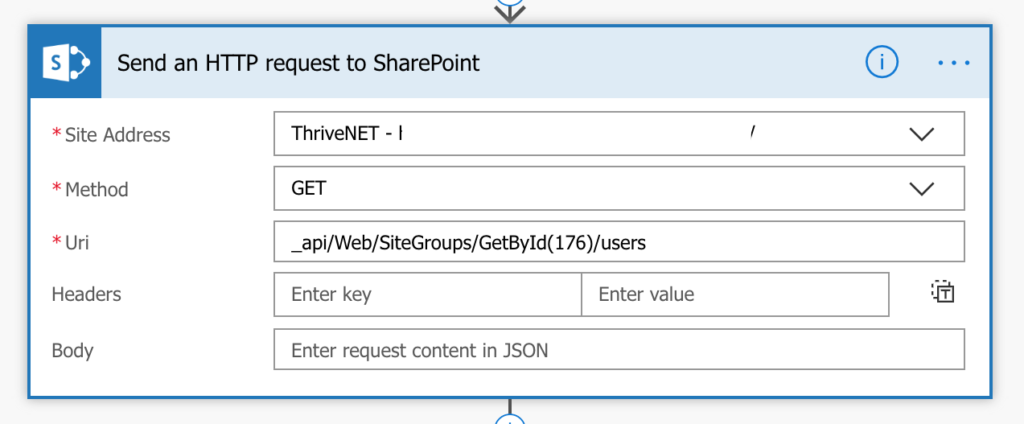
I worked on a project recently where the customer wanted to send an email via Flow to all the members of a given SharePoint Security Group. Normally I would recommend
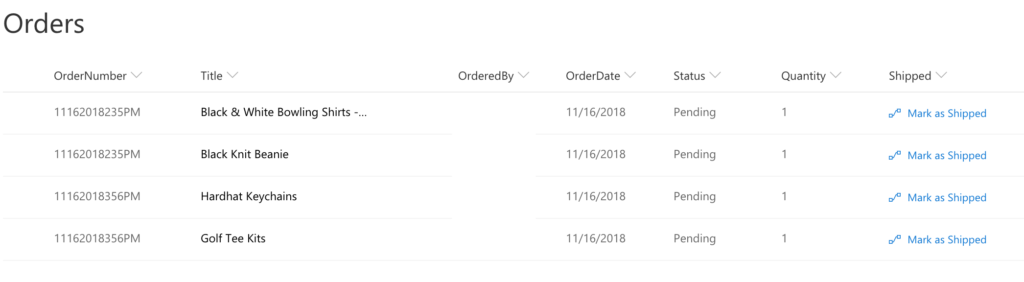
Background I just wrapped up a project where I created a company store application using a combination of SharePoint (for the back-end lists), PowerApps (for the front end interface) and

With the increasing popularity of the cloud, more and more business are moving from legacy on-prem SharePoint to SharePoint Online. The path to SharePoint Online from on-prem can be daunting,
The SharePoint Conference kicked off today in Las Vegas. I was eagerly awaiting the keynote to see what Jeff Teper and crew were going to announce. There were so many
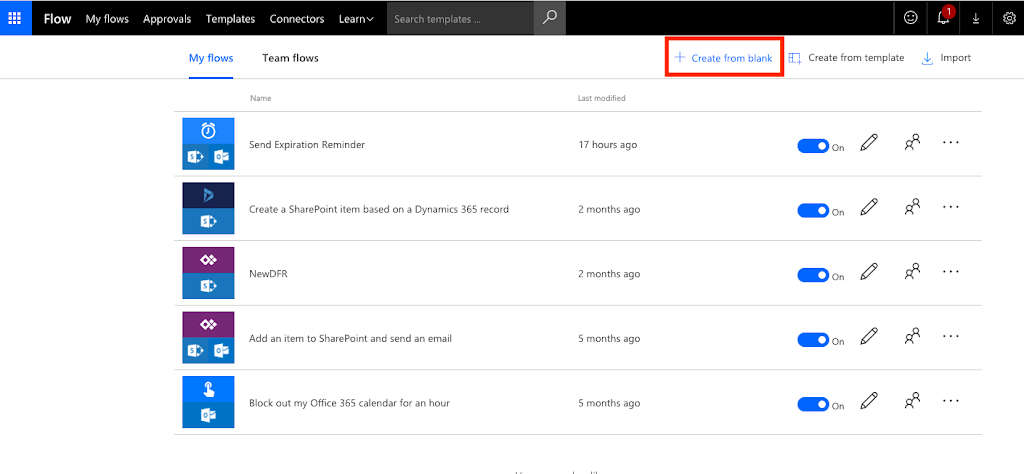
This is part one of a two-part post. In this post, I will show you how to use Microsoft Flow within O365 to send reminder emails based on a date
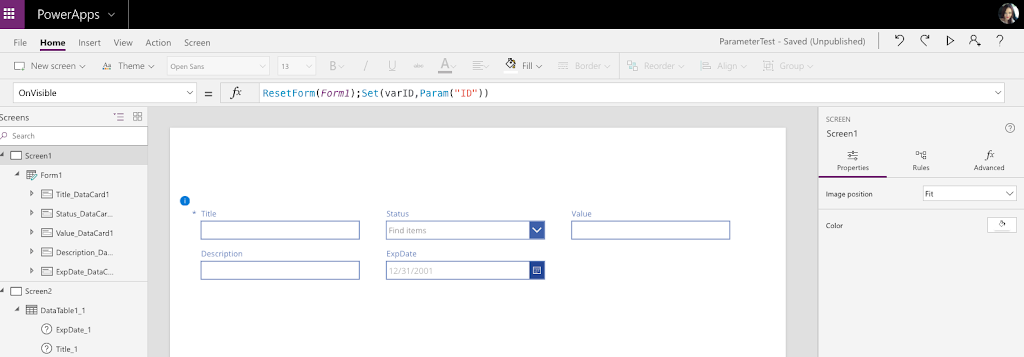
Today I’m going to talk about how and why you would want to pass parameters to use within your PowerApp. Desired Functionality A client has a SharePoint list of employee
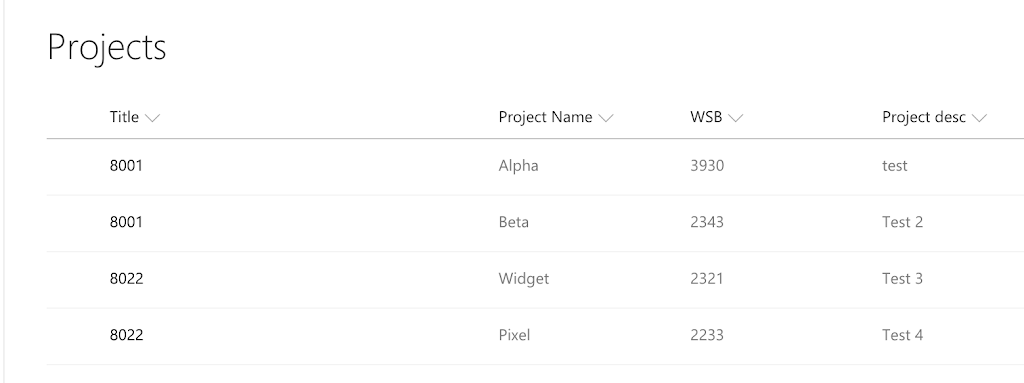
In this post, I’ll show you how to create a cascading dropdown that posts back to lookup fields in SharePoint. Backend Configuration I have two lists in SharePoint Online: 1)
I’ve been doing a lot with Search Web Parts in SharePoint lately. Employee Directory’s are a common requirement for intranets these days. I’ve been working on employee directories for several
Problem I had a client who had an e-mail enabled library set up in SharePoint 2010. Whenever they tried to open up a file, such as Excel, from SharePoint and