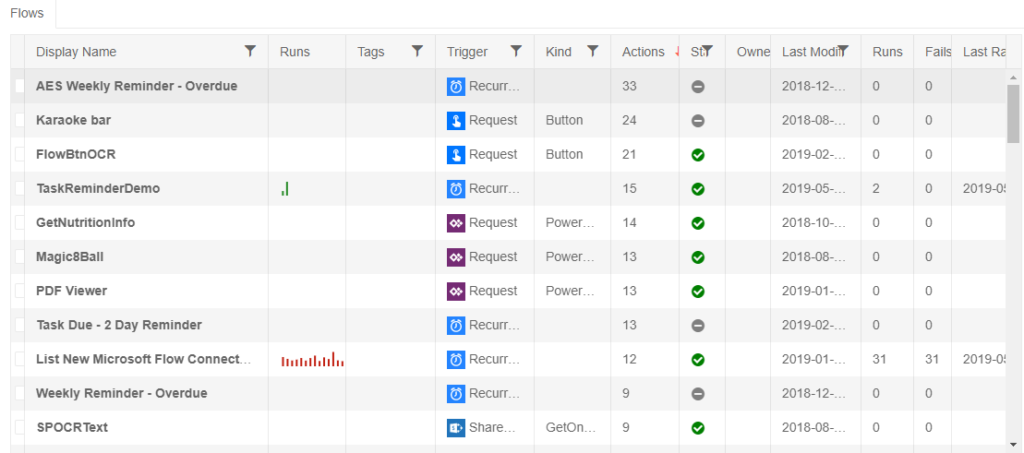
Easier Flow Management with Flow Studio
If you follow my blog then you know that I am a big user and fan of Microsoft Flow. As much as I love Flow there are a few things […]
If you follow my blog then you know that I am a big user and fan of Microsoft Flow. As much as I love Flow there are a few things […]
In one of my previous posts, I walked through how you could use SharePoint Column Formatting to launch a stand-alone PowerApp: https://aprildunnam.com/2019/03/open-powerapp-sharepoint-formatting/ I had several people ask “What happens if
A common requirement I see in PowerApps is the need to restrict the dates that a user can select in a Date Picker. For example, when setting a due date
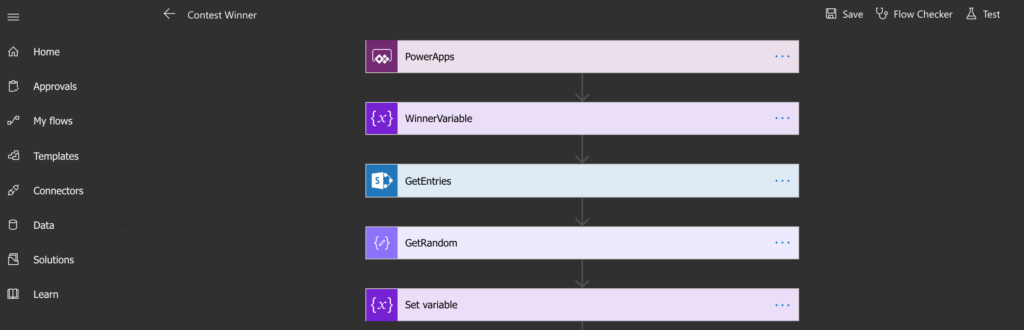
Are there any other Dark Mode fans out there? I for one, am on the Dark Mode band wagon. I have it enabled in Visual Studio, Chrome and as soon
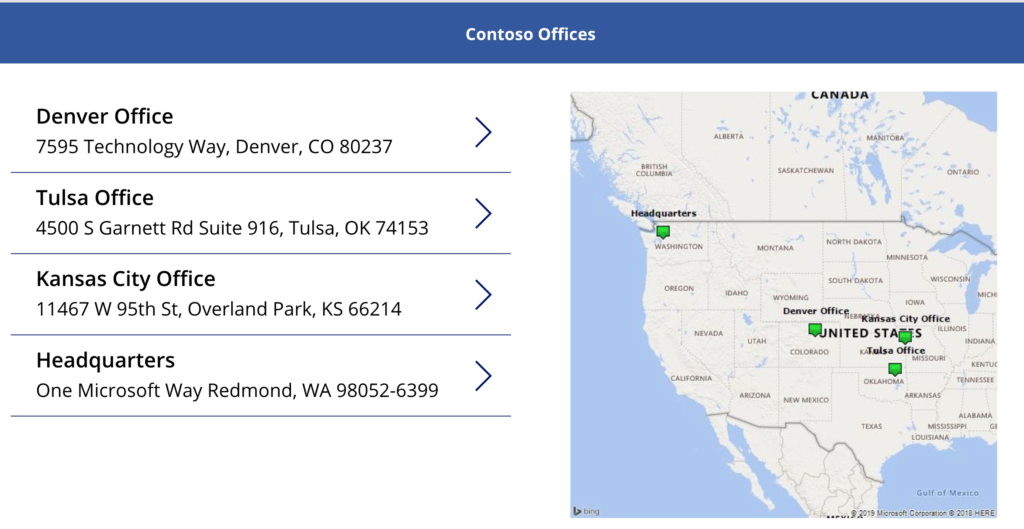
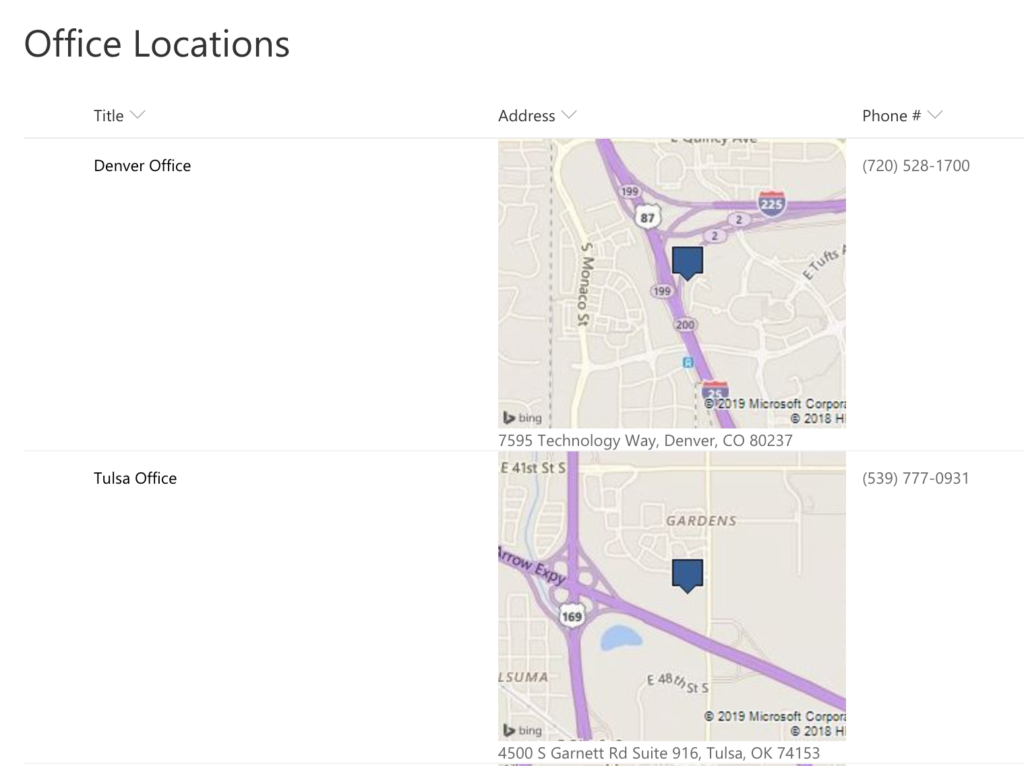
In this blog, I’m going to show you how to plot multiple points on a map in PowerApps using Bing Maps. I’ll be using a SharePoint list as my data
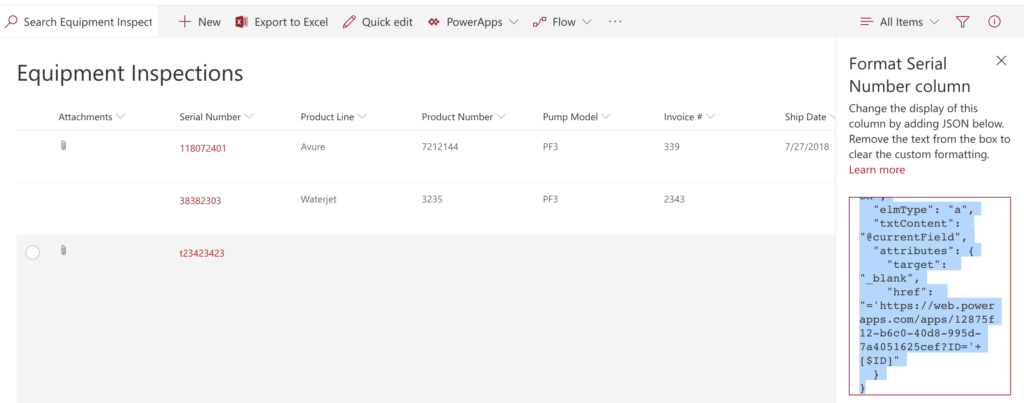
**Important Update** New functionality was added to PowerApps to allow guest access to apps via Azure AD. To accommodate for this, PowerApps now appends your Tenant ID to the URL
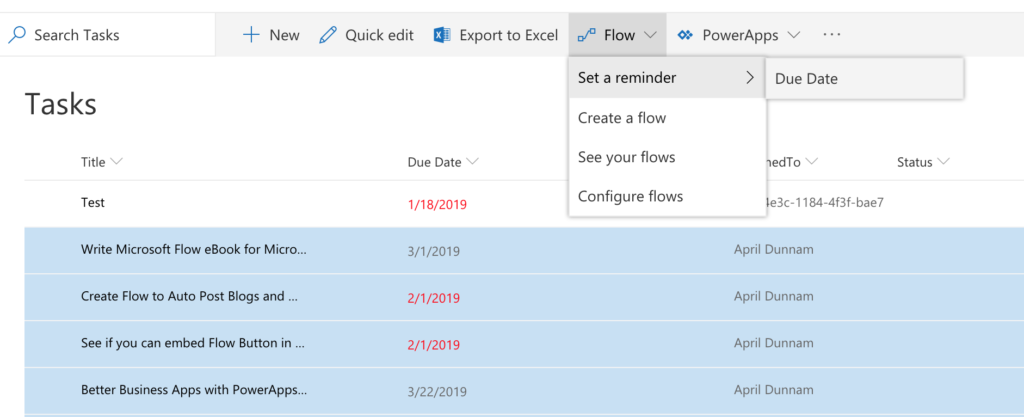
There’s a new Flow on the block that’s all about helping you send reminders based on a date in your SharePoint lists. Some useful scenarios for this type of Flow include:
If you haven’t taken a look at the new Column Formatting capabilities in modern SharePoint you are missing out. I wrote a blog post awhile back on how to use
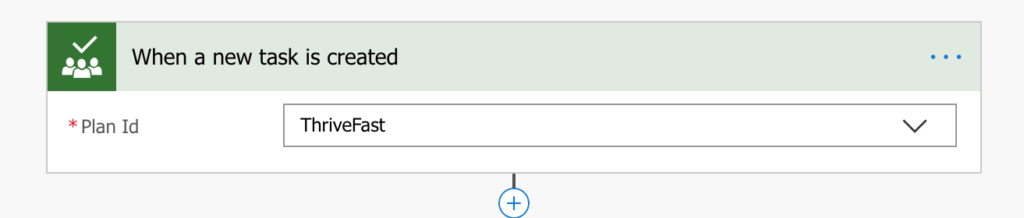
Microsoft Planner is one of the Office 365 Tools that I use pretty heavily. It’s a great lightweight project management tool that helps me organize and see my tasks in
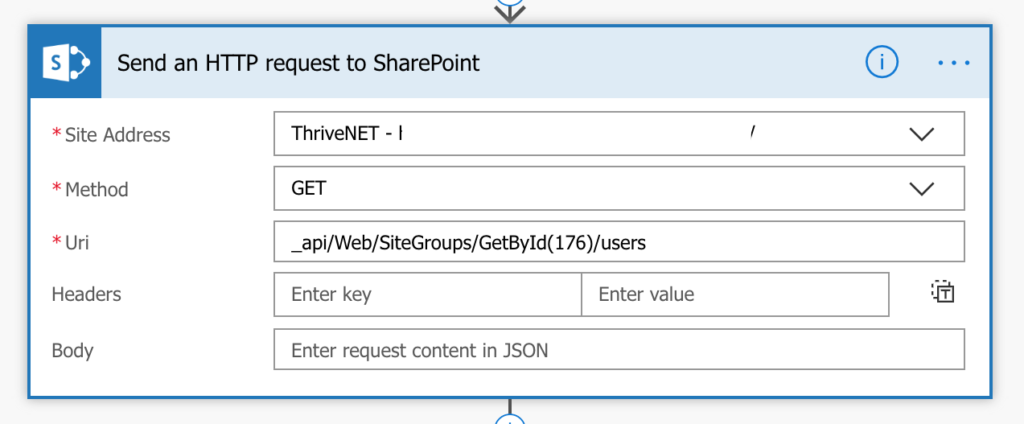
I worked on a project recently where the customer wanted to send an email via Flow to all the members of a given SharePoint Security Group. Normally I would recommend