
Speaking at SharePoint Conference 2020 – Get Your Discount!
I’m thrilled to be accepted to speak at the SharePoint Conference in Las Vegas, May 19-21, 2020! I remember going to the SharePoint Conference back when I was first starting […]
I’m thrilled to be accepted to speak at the SharePoint Conference in Las Vegas, May 19-21, 2020! I remember going to the SharePoint Conference back when I was first starting […]
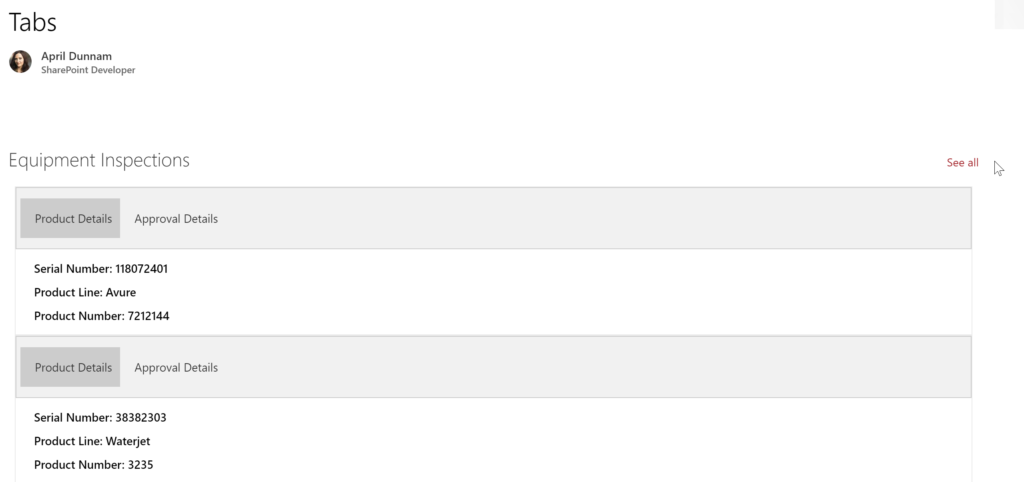
I’m a huge fan of the SharePoint List Formatting capabilities. It allows non-developers to easily transform their SharePoint lists to make them more useful and visually appealing. To get an
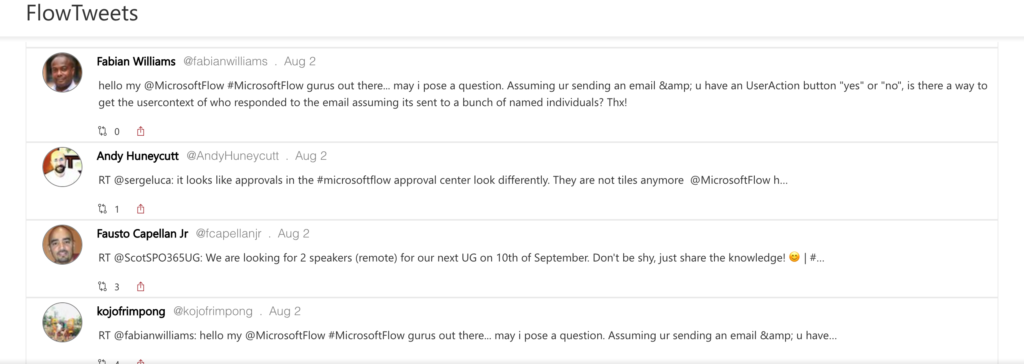
I seem to have gotten the SharePoint View Formatting bug. You might have saw my post the other day where I used View Formatting to make list items look similar
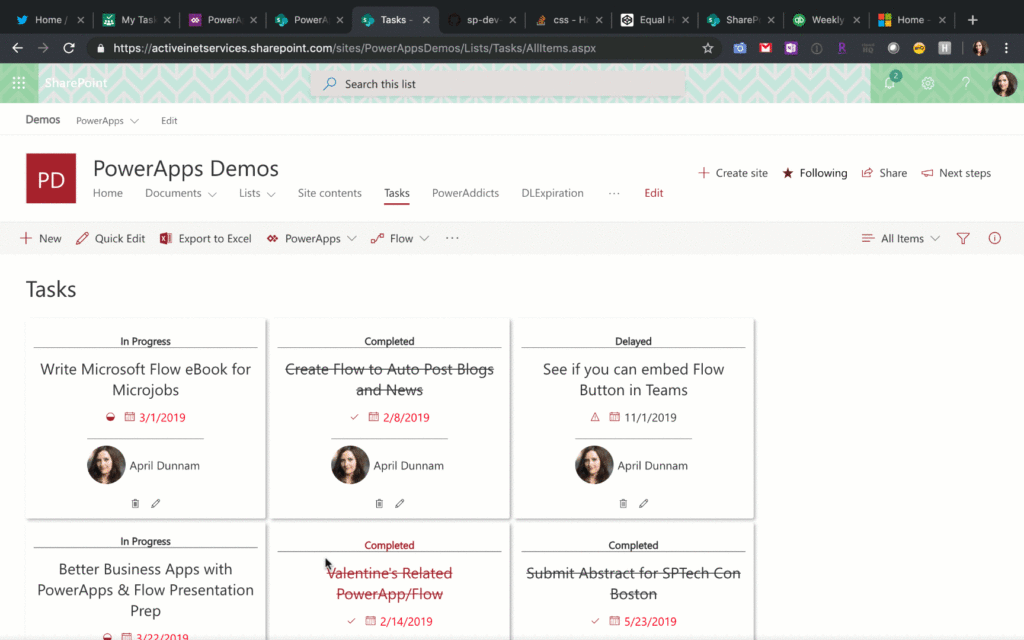
SharePoint List Formatting makes it easier than ever to customize the look and feel of your SharePoint list data. There are many samples and ideas to get you started on
In one of my previous posts, I walked through how you could use SharePoint Column Formatting to launch a stand-alone PowerApp: https://aprildunnam.com/2019/03/open-powerapp-sharepoint-formatting/ I had several people ask “What happens if
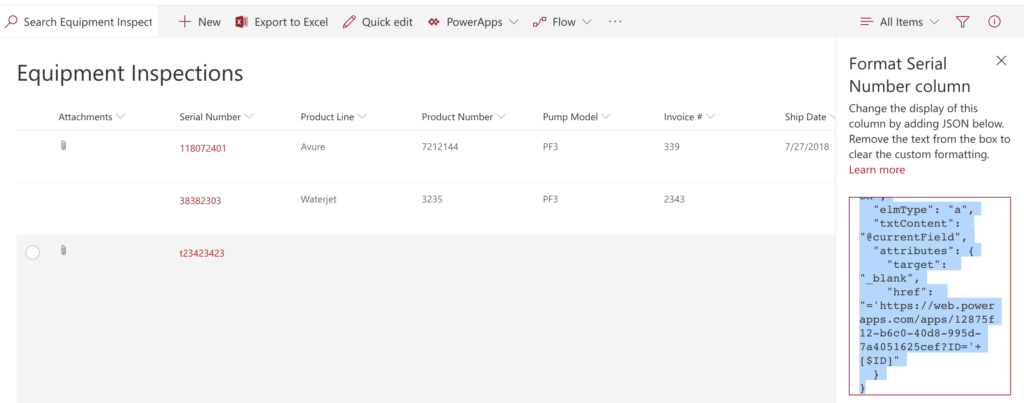
**Important Update** New functionality was added to PowerApps to allow guest access to apps via Azure AD. To accommodate for this, PowerApps now appends your Tenant ID to the URL
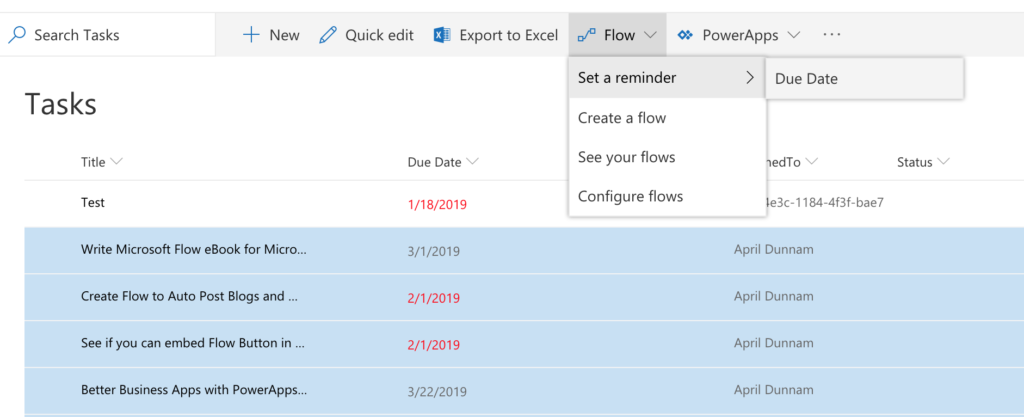
There’s a new Flow on the block that’s all about helping you send reminders based on a date in your SharePoint lists. Some useful scenarios for this type of Flow include:
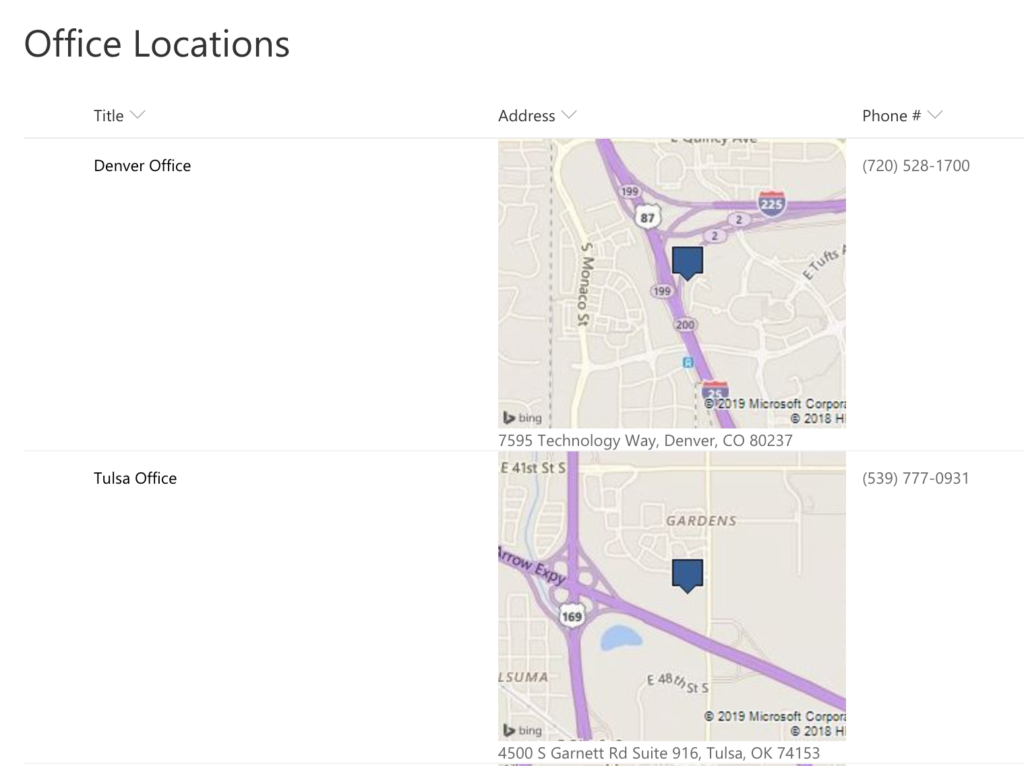
If you haven’t taken a look at the new Column Formatting capabilities in modern SharePoint you are missing out. I wrote a blog post awhile back on how to use
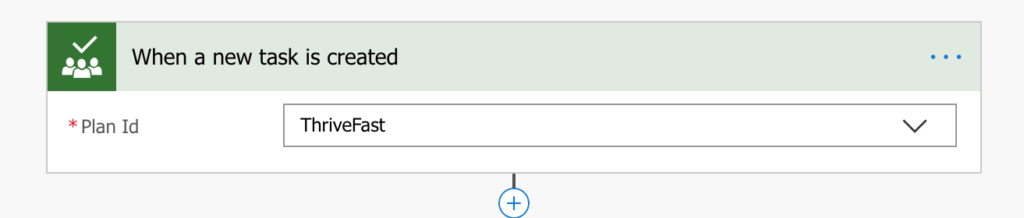
Microsoft Planner is one of the Office 365 Tools that I use pretty heavily. It’s a great lightweight project management tool that helps me organize and see my tasks in
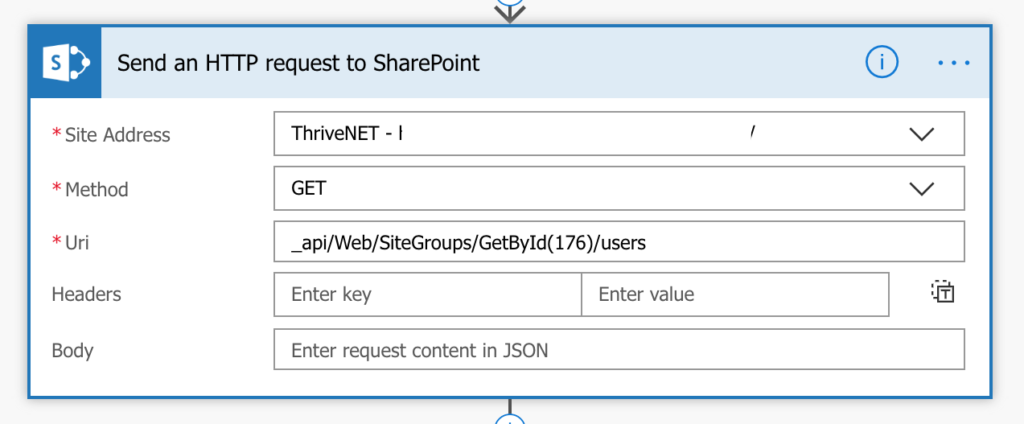
I worked on a project recently where the customer wanted to send an email via Flow to all the members of a given SharePoint Security Group. Normally I would recommend